

In this brief tutorial we will explain how to configure the work environment to introduce the advantages of the ZeroC Ice middleware in our developments.
This entry in the blog is motivated mainly by our need to integrate the Ice middleware and one of its services, IceStorm, into one of our Kinect projects, so all the generated code would be in the C# language. This project will allow to put into operation a service that captures the position of individuals in a particular space and generate an event in an event channel with this information. From services like this, it is possible to implement programs that subscribe to this channel of events and identify, for example, how many people there are in the rooms that are under their point of view.
Before starting to explain how to use Ice and Icestorm in a Visual Studio project in C#, it is important to note that for this tutorial we have used:
- Windows 10.
- Visual Studio 2017.
Process to follow:
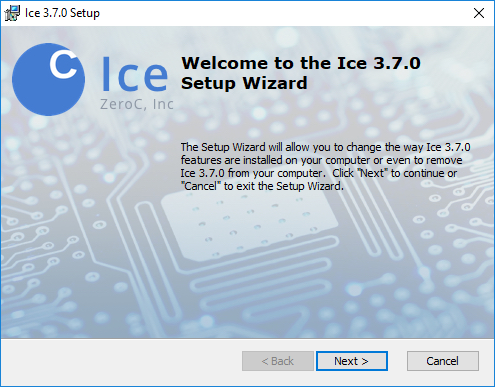
- Install ZeroC 3.7.0 Ice for Windows 10, which can be downloaded in the following link. The Windows installer will provide the Ice Slice compilers, Ice for PHP, all Ice services, and the IceGrid GUI. It is important to note that it does not include SDKs for C++ or C#.

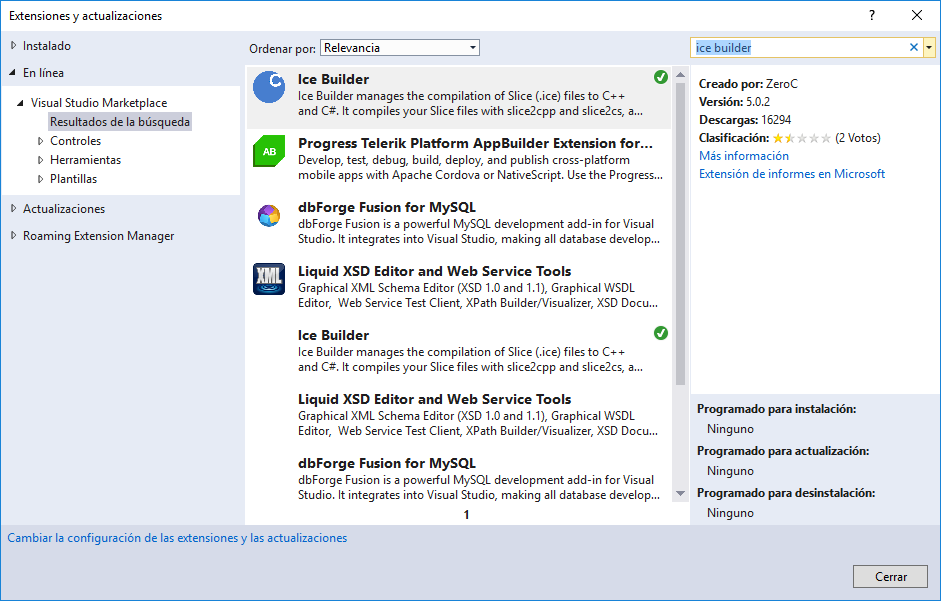
- Install Ice Builder in Visual Studio. To do this you must go to “Tools/Extensions and updates” and find/install Ice Builder extension in the market.

- Create a C# project in Visual Studio in which you want to integrate zeroC Ice.
- In the next step you must add the following NuGet repositories in the newly created project.


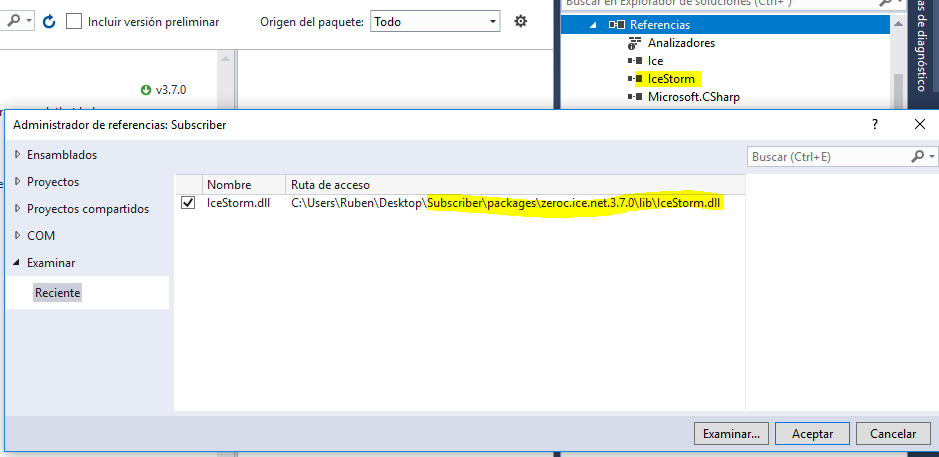
- After the last step, you will see that Ice will be added to the reference list of your project. However, to use other ZeroC Ice services you must add the corresponding «.dll» references. For example, to use IceStorm, you must add the file «IceStorm.dll» which is in the “packages” folder of your project.

You can see examples of zeroC Ice in C# at this link.